 English
Resize images online for free
Resize Images Online Without Losing Quality
Resize Image


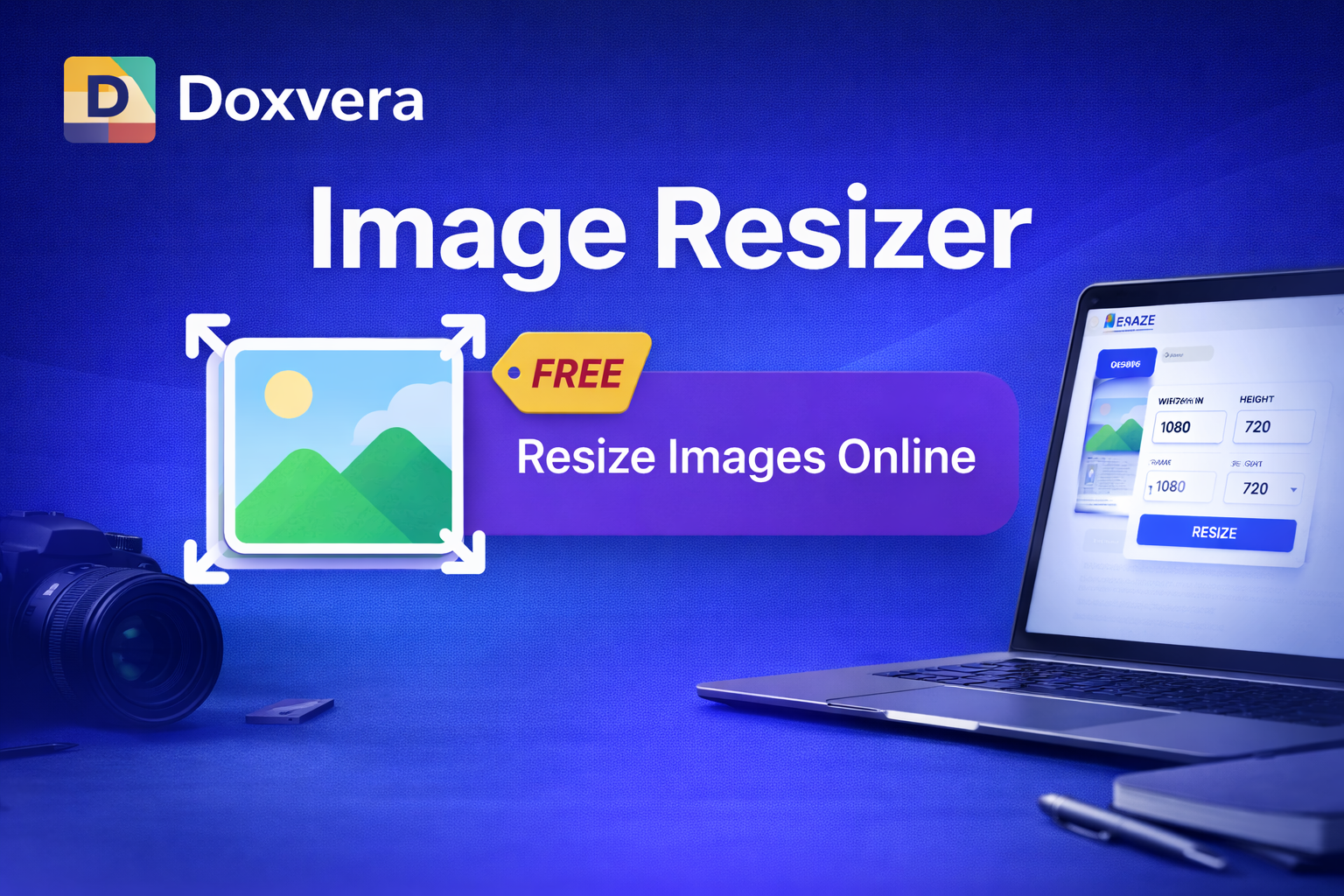
Image Resizer is a free online tool that allows you to resize images quickly and easily without installing any software. Whether you need to resize photos for social media, websites, online stores, email attachments, or documents, this tool helps you change image dimensions in seconds.
You can upload JPG, PNG, WebP, BMP, GIF, and other image formats, then adjust the width and height based on your needs. The tool is simple, fast, and works directly in your browser.
Why Use an Image Resizer?
Large images can slow down websites, increase loading times, and take up unnecessary storage space. Resizing images helps improve website speed, user experience, SEO performance, and compatibility across devices.
Our Image Resizer tool is useful for:
- Resizing images for websites and blogs
- Preparing photos for Instagram, Facebook, Twitter, and LinkedIn
- Reducing image dimensions before sending by email
- Creating thumbnails for YouTube videos or products
- Optimizing images for faster loading
- Adjusting pictures for presentations and documents
- Preparing product images for eCommerce stores
How to Resize an Image
- Upload your image from your device
- Enter the desired width and height
- Keep the aspect ratio if needed
- Click the resize button
- Download the resized image instantly
Supported Image Formats
The Image Resizer supports many popular image formats, including:
- JPG and JPEG
- PNG
- WebP
- BMP
- GIF
- ICO
Resize Images for Social Media
Different social media platforms require different image sizes. This tool makes it easy to resize photos for:
- Instagram posts and stories
- Facebook profile pictures and cover photos
- X (Twitter) images
- YouTube thumbnails
- LinkedIn banners
- TikTok profile images
- Pinterest pins
Benefits of Using Doxvera Image Resizer
- Free to use
- No registration required
- Fast image resizing
- Works on desktop and mobile devices
- Supports multiple file formats
- Maintains image quality
- Secure and easy to use
Frequently Asked Questions
Can I resize images without losing quality?
Yes, our Image Resizer is designed to maintain the best possible image quality after resizing.
Is this Image Resizer free?
Yes, the tool is completely free to use.
Can I resize PNG images?
Yes, you can resize PNG, JPG, WebP, GIF, BMP, and other image formats.
Do I need to install software?
No, everything works directly in your browser without downloading any software.
Can I use the tool on mobile?
Yes, the Image Resizer works on phones, tablets, and desktop devices.
Use Doxvera Image Resizer now to resize your images online quickly, easily, and without losing quality.
Popular Tools
Recent Posts